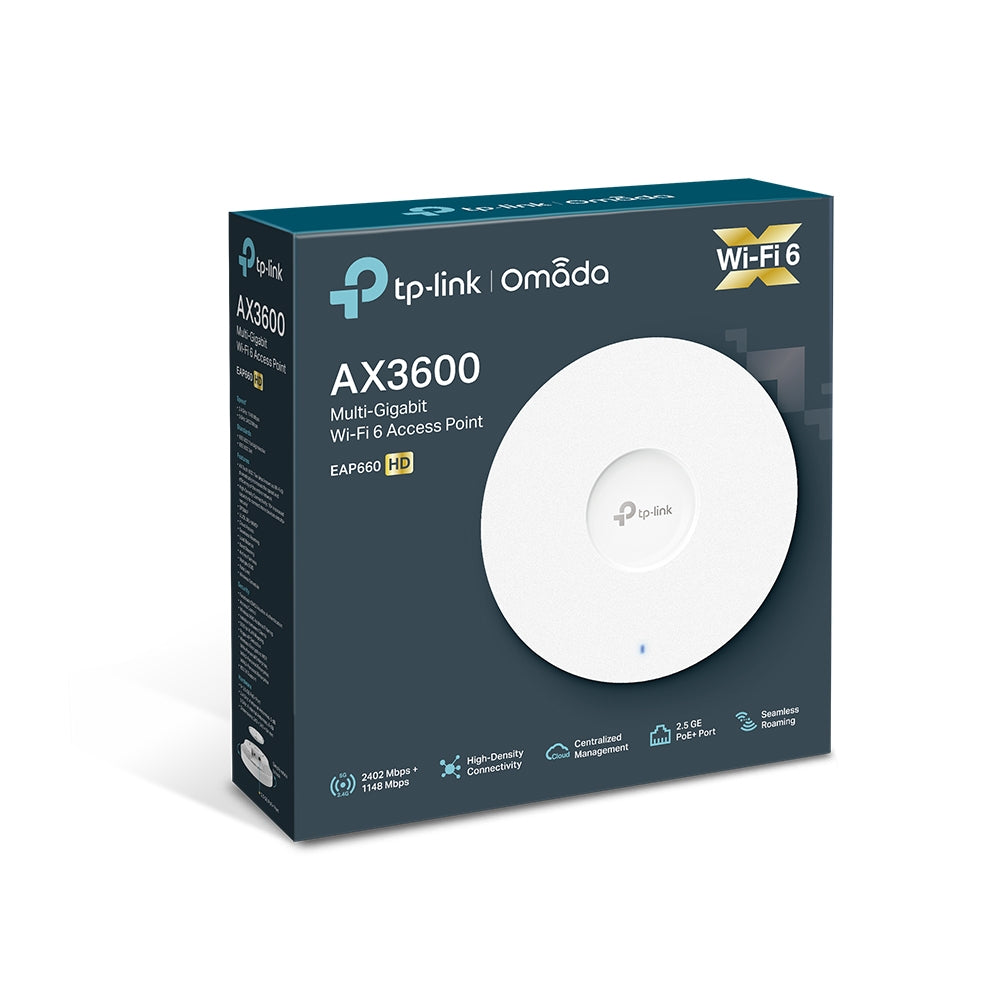
TP-Link Omada EAP660 HD AX3600 Wireless Dual Band Multi-Gigabit Ceiling Mount Access Point
TP-Link Omada EAP660 HD AX3600 Wireless Dual Band Multi-Gigabit Ceiling Mount Access Point

Couldn't load pickup availability
- Free Shipping (optional Express Shipping)
- Comes with 7-Days Returns Policy
- Original Brand Warranty
Product Description:
Ultra-Fast AX3600 WiFi 6 Speeds: Offers blazing speeds up to 3550 Mbps (1148 Mbps on 2.4 GHz and 2402 Mbps on 5 GHz), powered by advanced WiFi 6 technologies like 1024-QAM and Long OFDM Symbol, ensuring high-performance connectivity even in demanding environments.
High-Density Connectivity: Designed for crowded environments, it supports 4× more device connections simultaneously using OFDMA and MU-MIMO, making it ideal for offices, schools, and public venues.
Multi-Gigabit Ethernet Port: Equipped with a 2.5 Gbps Ethernet port, it ensures ultra-fast wired backhaul and maximizes throughput for high-speed internet access.
Omada SDN Integration: Seamlessly integrates with the Omada Software Defined Networking platform, enabling centralized cloud management, zero-touch provisioning, and intelligent monitoring via the Omada app or web interface.
Flexible Deployment with PoE+: Supports 802.3at PoE+ for simplified installation and power delivery, with ceiling or wall mounting options to suit various deployment scenarios.
| Model | EAP660 HD |
| Interface | 1× 2.5 Gbps Ethernet Port (supports IEEE802.3at PoE) |
| Button | Reset |
| Power Supply | 802.3at PoE 12 V DC |
| Max. Power Consumption | 18.5 W |
| Antenna | Internal Omni 2.4 GHz: 4× 4 dBi 5 GHz: 4× 5 dBi |
| Mounting | Ceiling /Wall Mounting (Kits included) |
| Concurrent Clients | 1,000+ |
| Wireless Standards | IEEE 802.11ax/ac/n/g/b/a |
| Signal Rate | 5 GHz: Up to 2402 Mbps 2.4 GHz: Up to 1148 Mbps |
| System Requirements | Microsoft Windows XP Vista Windows 7 Windows 8 Windows10 Windows11 Linux |
| Dimensions | 243 × 243 × 64 mm |
| Package Content | EAP660 HD Power Adapter Ceiling/Wall Mounting Kits Installation Guide |